
What's included
The money side of the tour, handled
A running box-office and expense log for every tour — with the multi-currency maths done for you, and every receipt in one place so settlement isn't a spreadsheet nightmare.
01 · Cash tracker
Log merch sales, cash advances, per diems, box-office splits and door money as they come in. Every entry keeps its own currency and description.
02 · Expense tracker
Log every taxi, coffee, spare cable and hotel incidental. Notes, category, currency and a photograph of the receipt — all in one entry.
03 · Photograph the receipt
Snap the receipt with your phone camera and it attaches to the expense. Backed up to the cloud so nothing gets lost between the taxi and the airport lounge.
04 · Multi-currency auto-convert
Spend €40 on catering in Berlin and $12 on parking in Nashville — Load In Suite converts both to the tour's base currency at the entry date's rate. The P&L stays honest.
05 · Auto-allocate to budget
Every expense can slot straight into the matching line on the tour budget — hotels, travel, catering, ground transport. The P&L updates the moment you save the receipt.
06 · Live balance
Cash in, minus cash out, minus outstanding — always visible at the top of the page. Know exactly how much float is left before you approve the runner's supermarket trip.
See it in action
Log the merch cash before you leave the venue
Open the app after the show, tap Add Cash, type the amount and a description — "merch T-shirts, night 3" — and it’s logged against the tour with the correct currency. Every entry lives in the cash log with edit and delete on tap.
The photograph is the record
Tap Add Expense, photograph the receipt, and Load In Suite's AI reads the net, VAT and total from the image, categorises it and pre-fills the form. Review, save, done. No lost receipts. No spreadsheet reconciliation at tour end.
Every receipt lands in the right P&L line
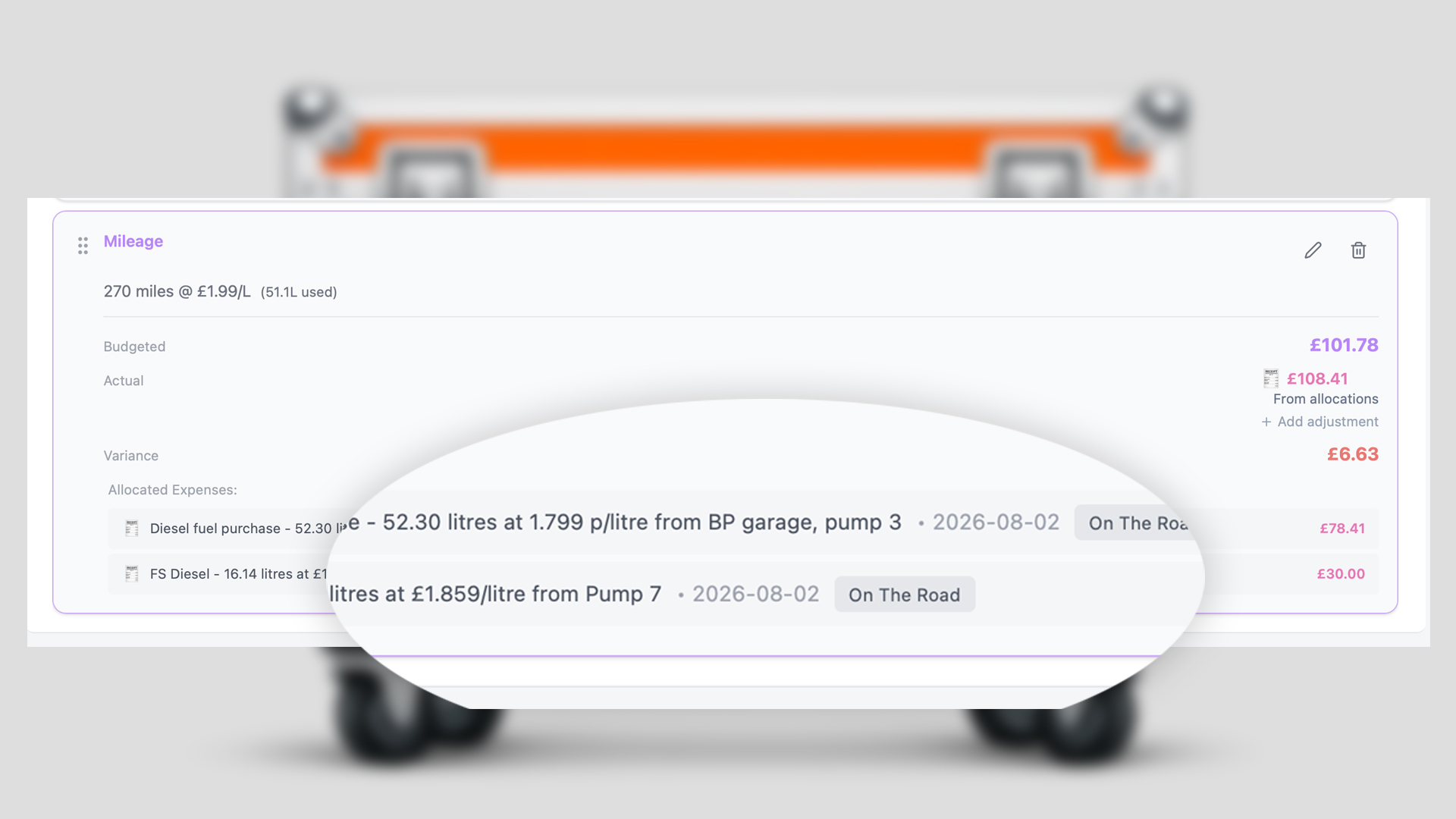
When you save an expense you can allocate it to a specific tour budget line — hotels, travel, catering, taxis, per diems. The tour P&L updates in real time so the artist and manager always know the current variance against forecast.
"A European run means euros, pounds, Swiss francs and Norwegian krone in the same week. Spend in local, report in base."
How it works
Open the tour on any device
Web, desktop, iOS or Android — the same live data. Everyone with tour access sees the same balance.
Log cash and expenses
Add Cash for incoming money, Add Expense with a photograph for anything you spend. Currency and category on every entry.
Allocate to budget lines
Tag each expense to a tour budget line so it flows through to the P&L. Optional but powerful.
Settle the tour
At tour end the numbers are already reconciled. Export the ledger or share a live link with your accountant.
Take the spreadsheet out of touring
The all-in-one touring app — built on the road, for the road.