
What's included
Every merch night, in one card
From inventory to the signed cash receipt, Load In Suite keeps the whole night in one place — stock, sales, deductions and the net that lands in your tour budget.
01 · Multi-currency inventory
Tees, hoodies, vinyl — with variants, images and per-currency prices in GBP, EUR, USD, CHF or JPY. Starting stock tracked per size, per colour, per currency.
02 · Sales upload
Drop in a SumUp, Zettle or Square report — PDF, image or CSV. Lines are matched to inventory, duplicates collapsed, stock decremented automatically.
03 · Venue cuts & seller fees
Three concession structures (percentage, flat or per-item), plus seller flat payments and commission — all multi-currency, all applied before the net.
04 · Signed cash receipts
Issue a receipt to a cash customer in two taps. Pay a seller in cash and both parties sign on screen — a branded PDF generates and files itself.
05 · Attendance & spend per head
Enter the headcount and see the one KPI that tells you how a show really did — net spend per head, split per currency, visible before you push.
06 · Push to Budget
One tap sends the night's income and expenses into your tour budget, FX-converted at the show date — allocated to the right line, labelled by venue.
See it in action
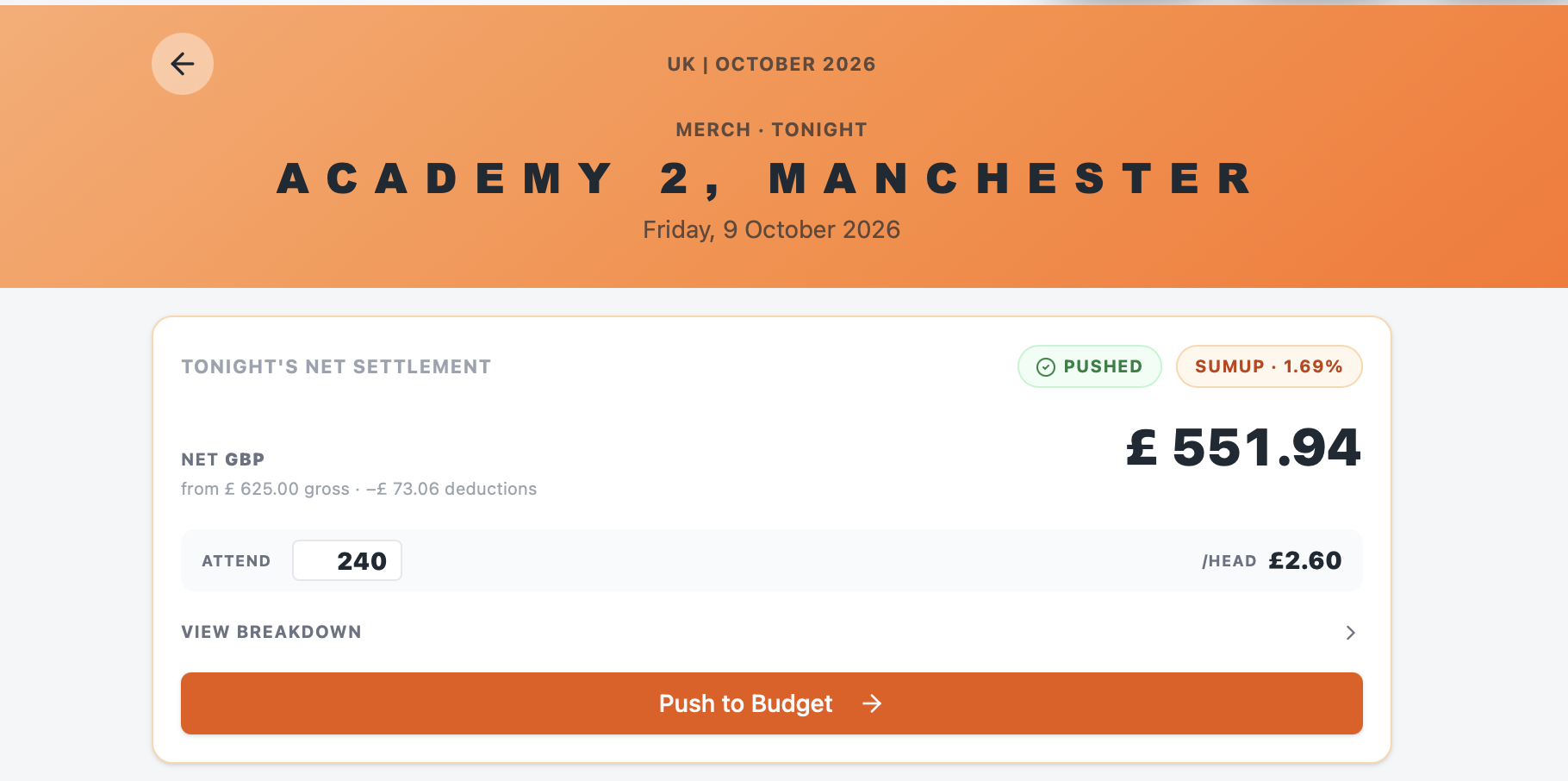
The net, front and centre
Open a show and the first thing you see is tonight's net settlement — per currency, with gross and deductions laid out below. Push it when you're ready.
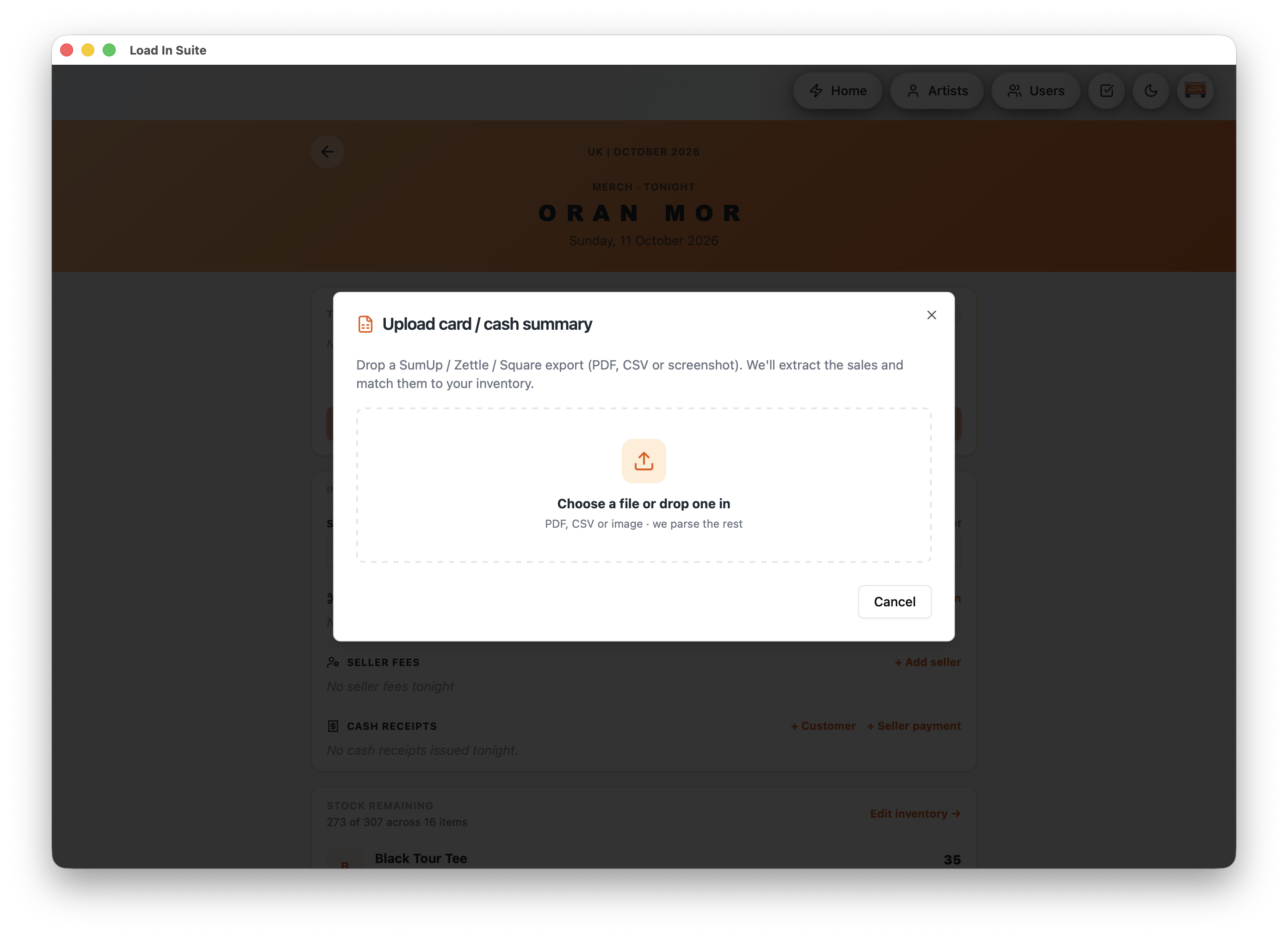
Drop in the report, done
A SumUp PDF, a Zettle screenshot, a Square CSV — the parser matches lines to your inventory, collapses duplicates and decrements stock. Review and confirm.
Paper trail without the paper
Issue a cash receipt to a customer in seconds. Settle a seller's cash fee on screen — both of you sign, a branded PDF generates, and it files straight to your tour budget as a cash expense.
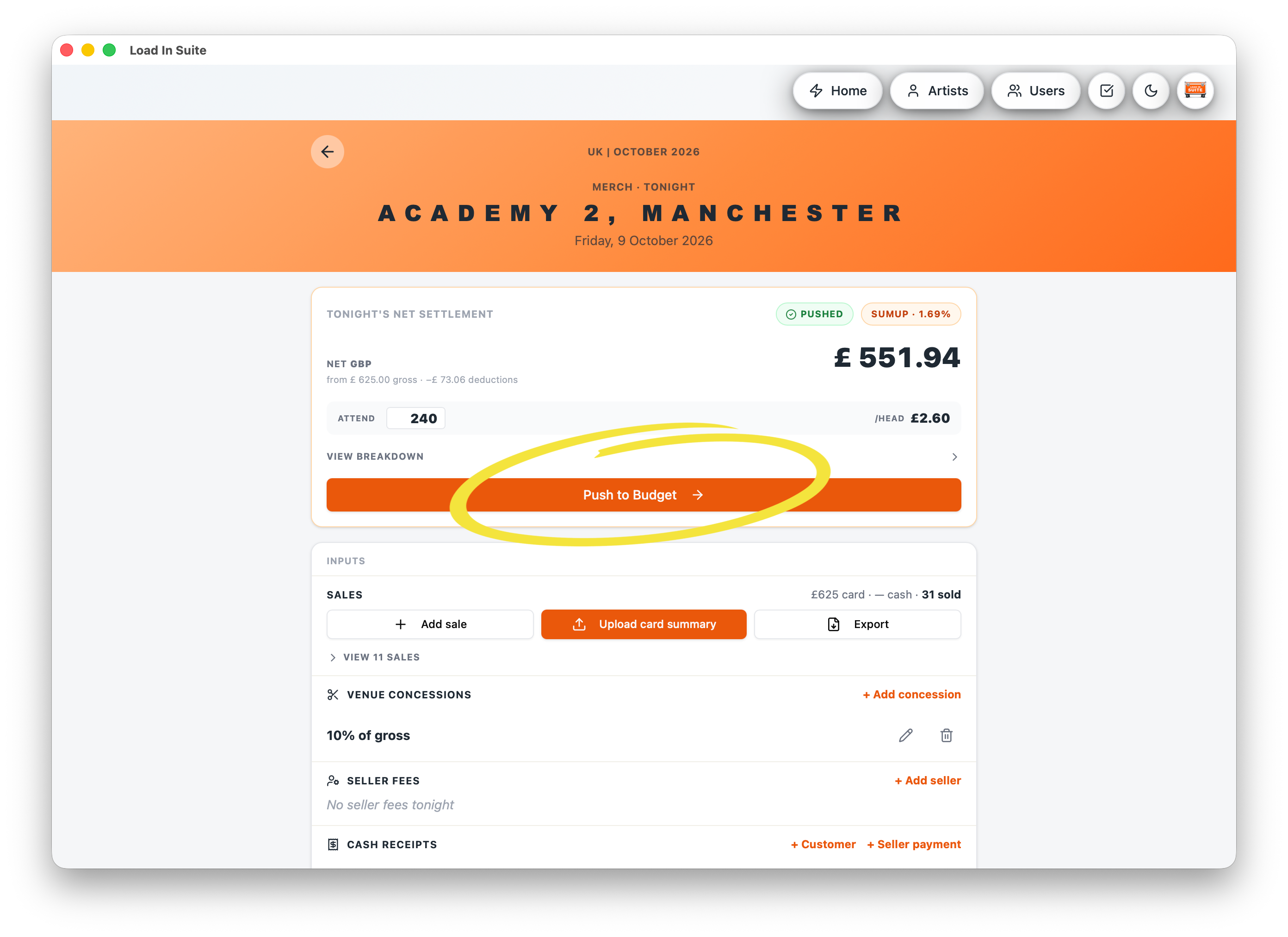
One tap, into the budget
Review each income and expense line, pick an allocation, and push. Non-GBP amounts convert at the show-date rate; venue cuts and seller fees land as separate expense lines you can split between budget categories.
A sheet the whole team can read
Export the night as a branded PDF or CSV — item, variant, unit price, qty sold, card revenue, cash revenue, starting and remaining stock, with venue cut and seller fees broken out and the net at the bottom.
How it works
Set up your merch
Items, variants, per-currency prices and starting stock — add them by hand or import from a spreadsheet in one go.
Settle the night
Upload the card summary, add any cash sales, log the venue cut and seller fees — the net updates live as you go.
Receipt what moves
Issue a cash receipt to a customer or sign off a seller's cash fee. The signed PDF files itself as an expense in your tour budget.
Push & export
One tap sends the night's P&L into your budget, FX-converted. Export a branded sheet for the band, the artist or your own records.
Run the merch stand like a pro
The all-in-one touring app — built on the road, for the road.